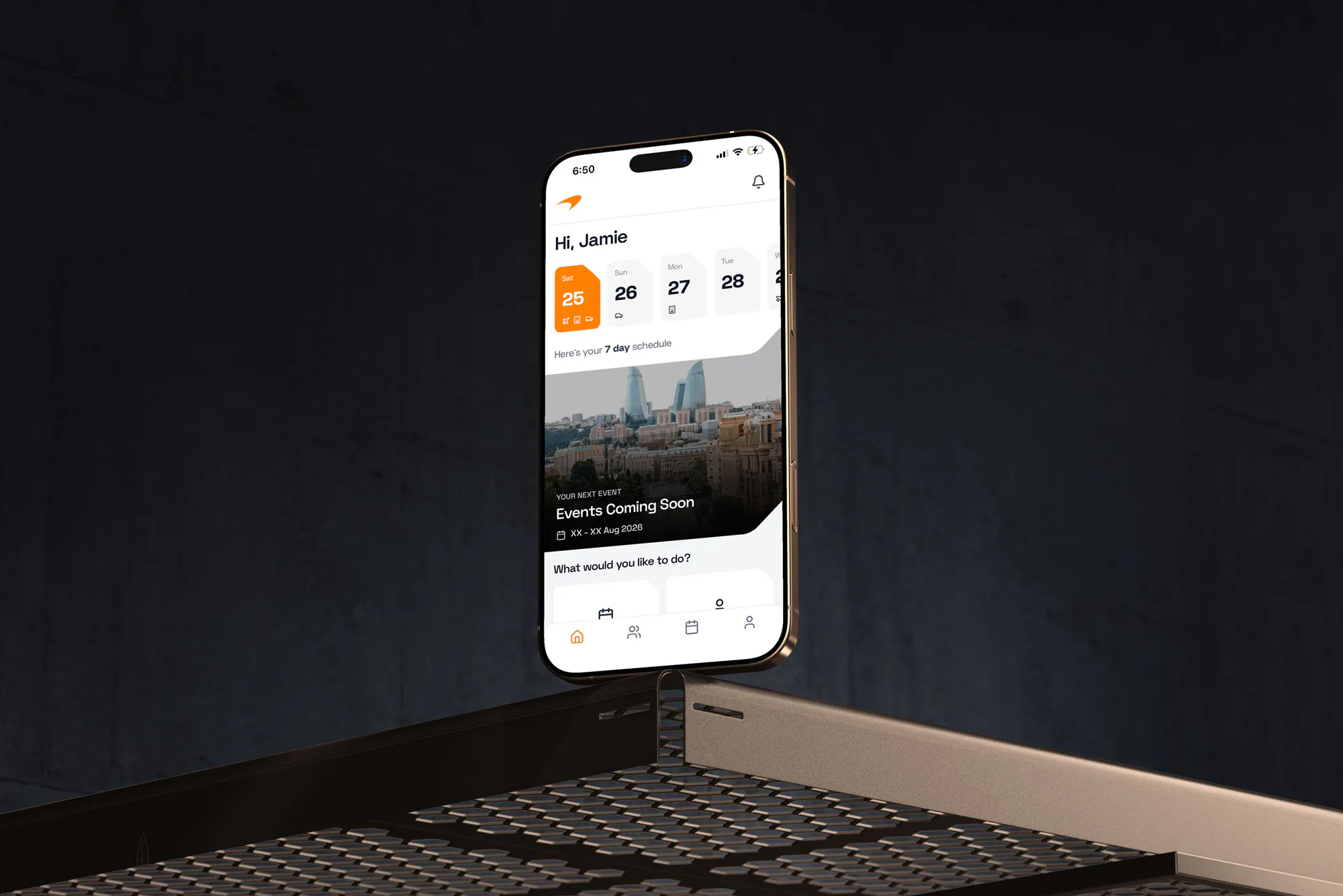
Clients come to us two ways. Group A turns up saying "we need a native iOS app for our field team - can you scope it?" and we often save them £100,000 by showing them FileMaker Go first. Group B turns up with an existing FileMaker Go deployment asking if they should switch to bespoke native, and occasionally the answer is yes. This guide walks through how to decide.
What FileMaker Go actually is
FileMaker Go is a free Claris-built iOS/iPadOS client, downloaded from the App Store, that runs any Claris FileMaker solution hosted on FileMaker Server or FileMaker Cloud. Conceptually it's like a native viewer for your FileMaker app - but with real native iOS capabilities: camera, barcode / QR scan, signatures, GPS, biometric login, audio recording, NFC (iPhone XS+), offline .fmp12 files, push notifications via MDM.
The important mental model: with FileMaker Go, your FileMaker "back-office" system isthe iOS app. You build a mobile-optimised layout on the server, and it appears on the iPad. You don't write any Swift; you don't submit anything to the App Store; you don't maintain iOS builds when Apple releases iOS 19.
Head-to-head comparison
| Dimension | FileMaker Go | Bespoke native iOS (Swift/SwiftUI) |
|---|
| Typical build cost (UK 2026) | £8,000 – £25,000 | £45,000 – £150,000+ |
| Annual maintenance | Minimal - Claris handles iOS updates | ~20% of build cost/year |
| Time to first working build | Days to weeks | Months |
| UI polish ceiling | Good for internal; obviously enterprise | Pixel-perfect, on-brand |
| Offline support | Yes - local .fmp12 or sync pattern | Yes - with engineering investment |
| Camera / barcode / signature / GPS | Built-in, zero code | Full native control |
| Deep iOS integrations (ARKit, HealthKit, CarPlay, Live Activities) | Not supported | Full support |
| Distribution | Free App Store install + Claris licence | App Store, Apple Business Manager, or enterprise |
| Android option | No (WebDirect in browser only) | Separate Android build or cross-platform |
| Branded app icon / store listing | Only via Claris iOS App SDK (middle ground) | Fully branded |
| Best for | Internal / B2B field workers | Consumer / public-facing apps |
- Audience is internal staff, contractors, or B2B field workers - not consumers.
- Core features are data capture: forms, photos, signatures, barcodes, GPS stamps.
- Time-to-deploy matters more than UI polish.
- You already have or are building a FileMaker system for the back-office anyway.
- You need to ship something in weeks, not quarters.
- You do not have iOS engineering capacity and don't want to build one.
When bespoke native iOS is worth the money
- The app is consumer-facing, distributed via the public App Store.
- Brand experience and UI polish are a differentiator for your product.
- You need deep iOS APIs: ARKit, HealthKit, CoreML, CarPlay, Live Activities, advanced Camera.
- You need Android as well, and cross-platform frameworks (React Native / Flutter) are on the table.
- You have iOS engineering in-house or can fund a long-term iOS product team.
The middle ground: Claris iOS App SDK
Many teams don't realise there's a branded middle option. Claris ships an iOS App SDK that lets a Claris Partner wrap a FileMaker solution inside a branded iOS shell - your icon, your name, your splash screen - and distribute via your own Apple Developer account (typically via Apple Business Manager for private internal distribution).
You still get the speed and cost advantages of building in FileMaker; you lose the "App Store lists this app as 'FileMaker Go'" brand tax. For enterprise field-worker deployments where the client doesn't want their staff installing a third-party-branded app, this is usually the right call. It adds roughly £3,000–£8,000 to the build and requires an Apple Developer Program enrolment (£79/year or equivalent).
Real-world patterns we see
Sports / athletic departments
FileMaker Go for the staff side - travel logistics, medical forms, wellness check-ins, kit tracking, event day ops. A bespoke native iOS app for the public-facing fan/supporter app. Different audiences, different tools.
Field-service businesses
FileMaker Go wrapped via the Claris iOS App SDK with a custom icon, distributed via Apple Business Manager. Technicians see a branded "Acme Engineering" app; the business builds and maintains one solution that serves both the office and the field.
Clinical / healthcare
FileMaker Go for the operational side (patient intake, consent, observations, referral forms). Any patient-facing consumer app is usually bespoke native - App Store distribution, brand, integration with HealthKit / NHS login.
Public-sector inspections
Almost always FileMaker Go, usually wrapped via the iOS App SDK. UK data residency matters, offline support matters, the audience is a small number of trained inspectors. Bespoke native is rarely justified.
The short answer
If the audience is your own staff or B2B partners, start with FileMaker Go - wrap it in the Claris iOS App SDK if branding matters. If the audience is the public, or you genuinely need ARKit / HealthKit / CarPlay, build bespoke native. Most teams who turn up asking for "a custom iOS app" actually want the former and save roughly £60,000–£120,000 by not building the latter.
See also - Is FileMaker still worth using in 2026?, FileMaker vs Airtable (2026), and UK FileMaker Cost Guide.