A travel platform for the teams Travel Places looks after
Travel Places' clients follow their trips in TP Connect, the portal we built on FileMaker WebDirect. With the operations underneath now on the web, we have designed its next version: one place for a team's travellers, flights, rooms and requests, and an app for the ground.
- Client
- Travel Places
- Built
- TP Connect
- Designed
- Its next version and an app
- For
- Travel Places' clients
Clients want to see the trip, and act on it.
The problem. A team travelling with Travel Places has dozens of people on flights, in rooms and on coaches, and every change matters to someone. TP Connect has shown clients their budgets and travel since its first version on FileMaker WebDirect, and there is now more to show than its screens were made for.
The approach. Operations came first: with events, bookings and travellers on the web, the data a client needs is ready to show. On it we designed the next portal with Travel Places: each client manages its own traveller profiles, sees every booking, places people on seats and in rooms and raises requests, with a mobile app for the travelling party on the ground.
Travel Places' customer portal, rebuilt from its designs with invented data: the event dashboard for a rugby squad's autumn tour to Lisbon, with the seats, hotel rooms and hire cars allocated counting up, the travellers and what each has booked, and the travel calendar with the day's flight, hotel and car hire.
Every traveller in one list
Clients will keep their own traveller profiles and see what each person has booked.
Seats, rooms and cars at a glance
Designed to show, for each event, what is allocated and what still needs a name.
Requests from the event itself
Clients will raise a request with Travel Places from the event it is about.
The client's side of every trip, in one place.
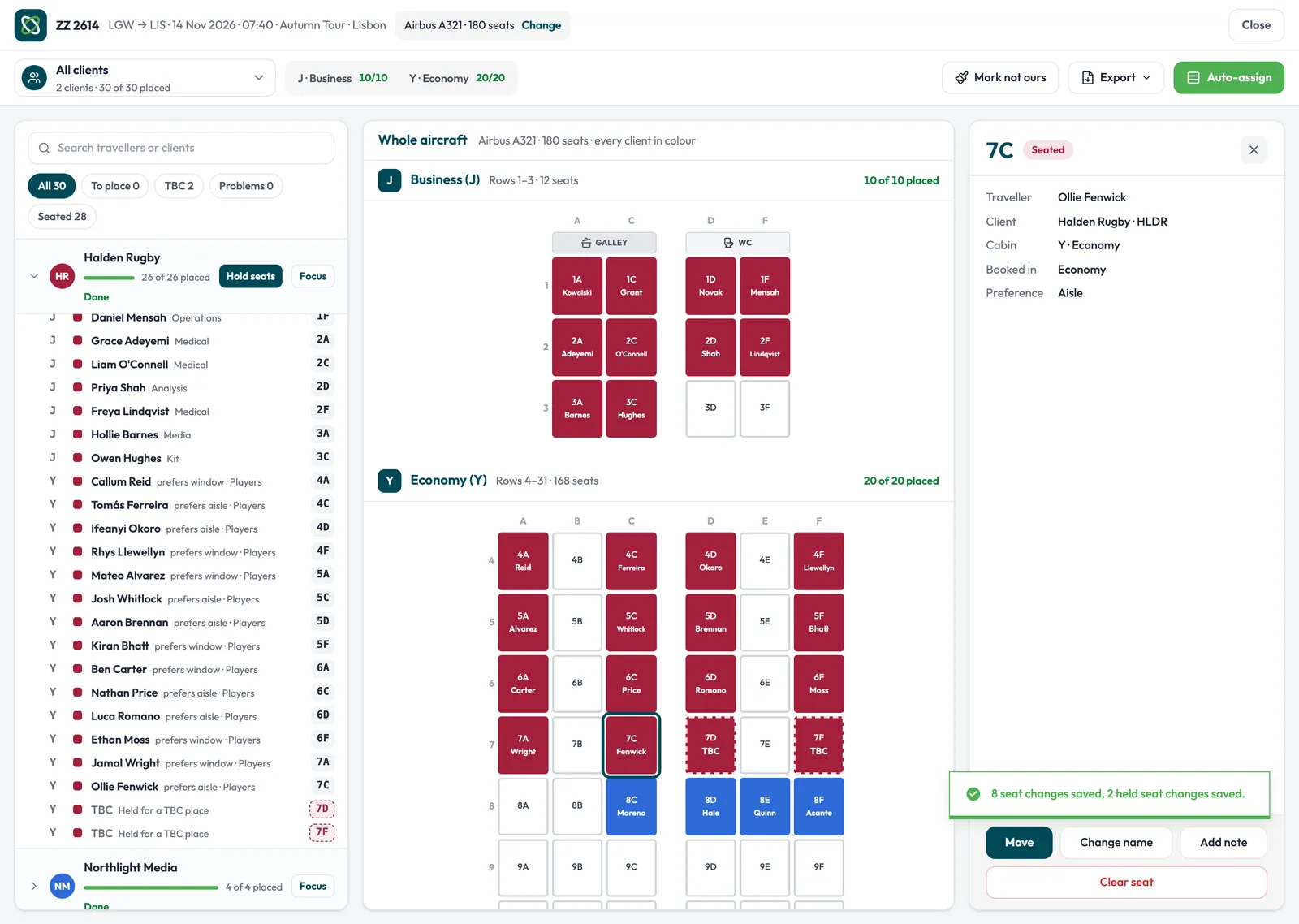
The portal's screens, rebuilt from Travel Places' designs with invented data: a flight's seat block taking a name in its two empty seats, travellers dragged onto seats in the seat allocation, a hotel's single rooms confirmed night by night, and a new flight time arriving in the event's recent activity.
Put a name on every seat
Each flight is designed to list its seats and who is in each one. Clients will spot an empty seat straight away, and the block turns green once every seat has a name.
Drag travellers onto seats
Seat allocation is designed for dragging: pick up a traveller, or a whole department, and drop them on a seat. Booked seats keep count as the block fills.
Every room, night by night
Each hotel is designed to show its room blocks against the nights of the trip. Clients will see which rooms are confirmed and which are still waiting, and the count moves as each one is confirmed.
Every change on the record
The event's recent activity is designed to show each change as it is made, by the client's own team or by Travel Places: a new flight time, a confirmed room, a request raised.
What the next portal is designed to do
Designed with Travel Places on the operations platform's records, and going into build next.
- An event dashboard for each client: seats, rooms and car hire at a glance, the travelling party and the day's movements
- Every traveller with their department, role and what is booked for them
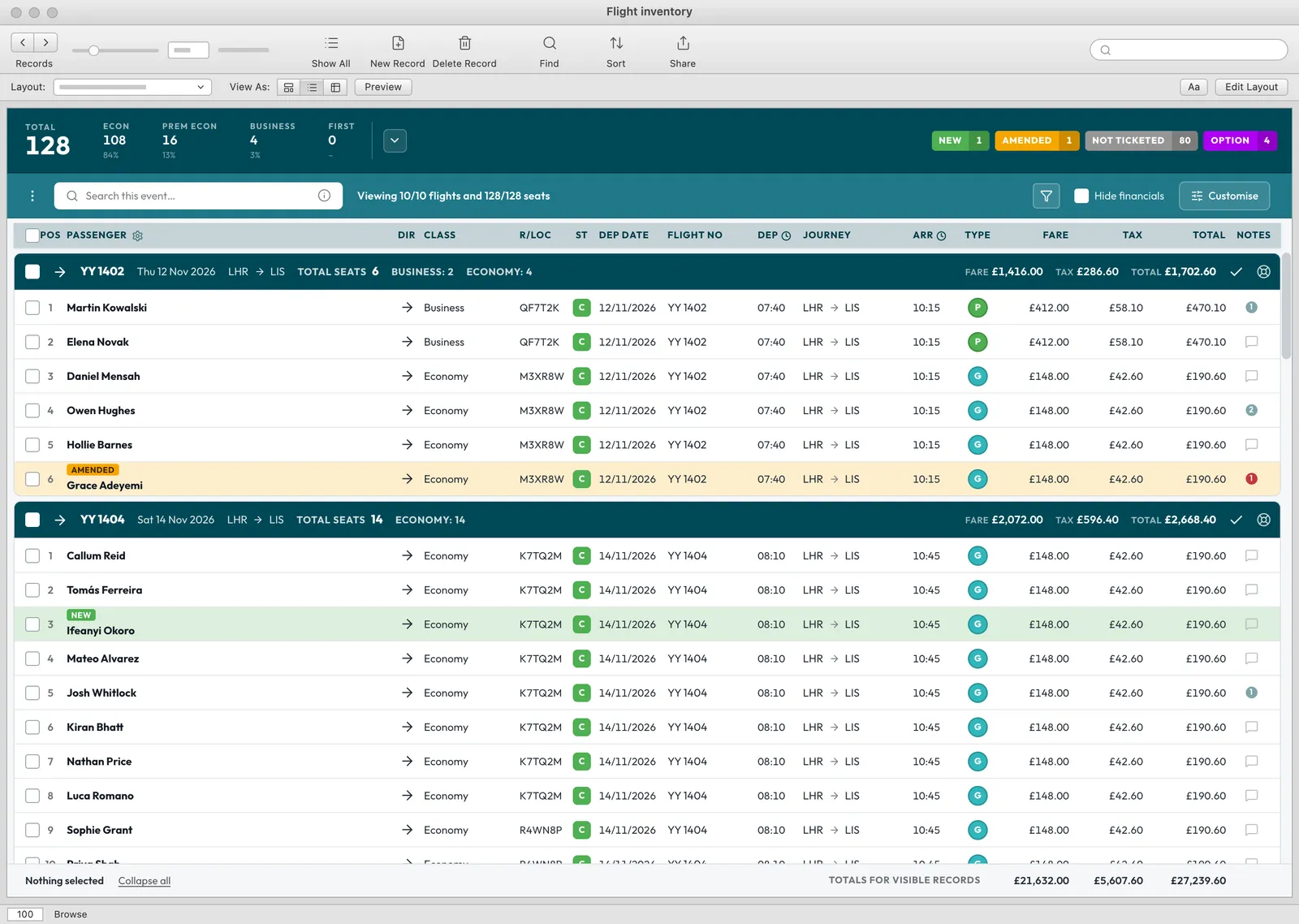
- Flight inventory by direction and cabin, with seats allocated to people or to departments
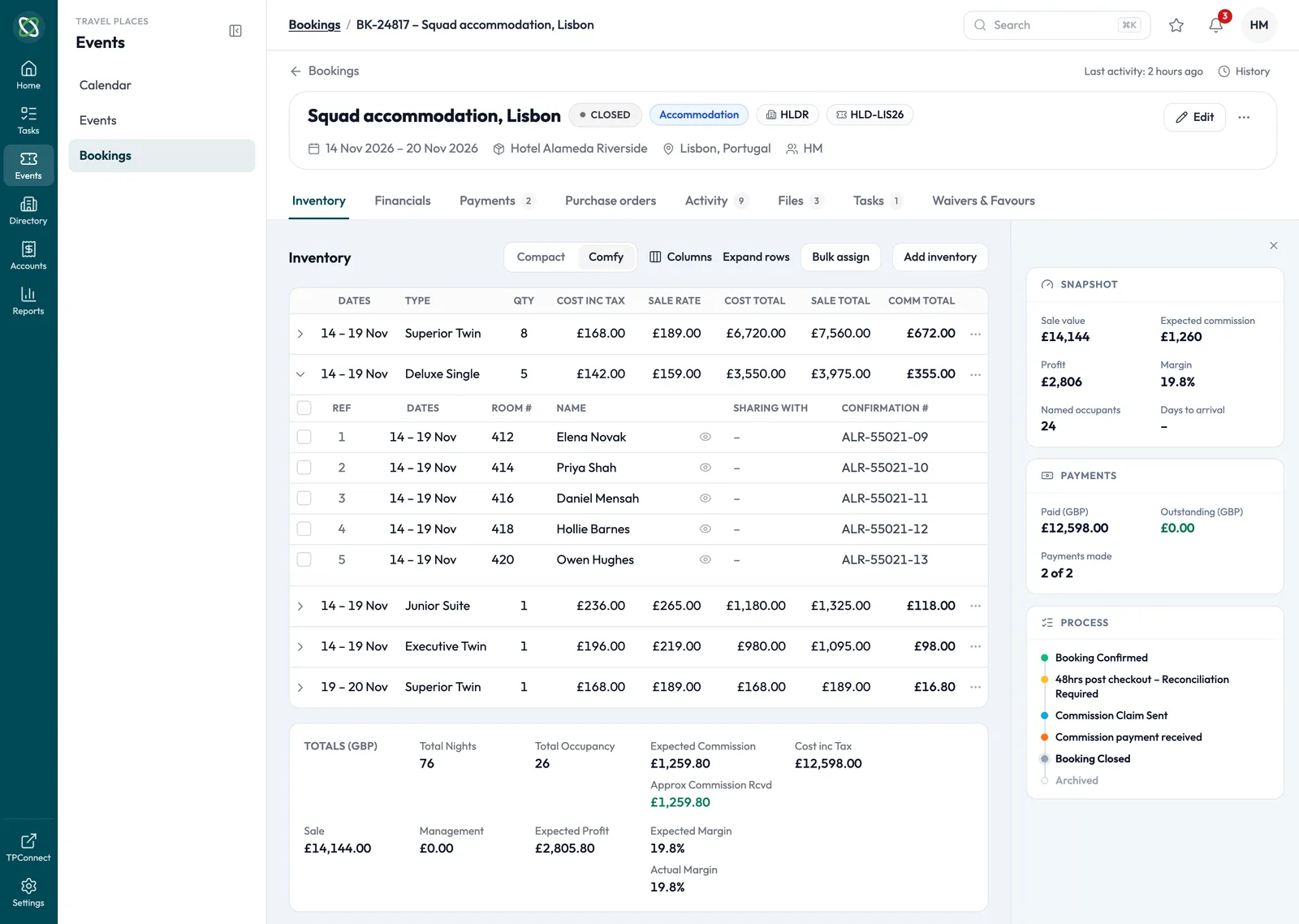
- Room blocks night by night: what was requested and what is confirmed
- A timeline of every change, made by the client or by Travel Places
- A mobile app with each person's itinerary, messages and updates on the ground
- Sign-in with Microsoft, a password or a magic link
The traveller's app, rebuilt from Travel Places' designs with invented data: one traveller's itinerary for a rugby squad's tour to Lisbon, with the flight out, the hotel and the flight home on a timeline, and a new departure time flagged on the flight out.
The trip, on the traveller's phone.
The app is designed for the ground. Each traveller will see their own itinerary, from the flight out to the hotel and the flight home, as Travel Places has booked it.
Their own itinerary, in order
The flights and the hotel on one timeline, each with its booking status.
Changes flagged on the trip
A new flight time will show on the booking it changes, and in the app's notifications.
Messages to Travel Places
A question about a booking will go from the app, beside the booking it is about.
Where it stands
TP Connect is live for Travel Places' clients today, and the operations platform underneath it already holds their events, bookings and travellers.
The new portal and app are designed and go into build next, on the same platform, so a client sees the same records Travel Places' team works from.
What we used
- FileMakerTP Connect today, on FileMaker WebDirect
- Next.jsThe next portal, on the web
- SupabaseThe records clients and Travel Places share, and what each client may see